
React Server Components: A Practical Guide for Next.js Developers
A practical guide to React Server Components in late 2026: what Server Components are, the 'use client' boundary, data fetching, streaming with Suspense, Server Actions, caching, and the mistakes to avoid.

Yash Nandvana
Full Stack Developer
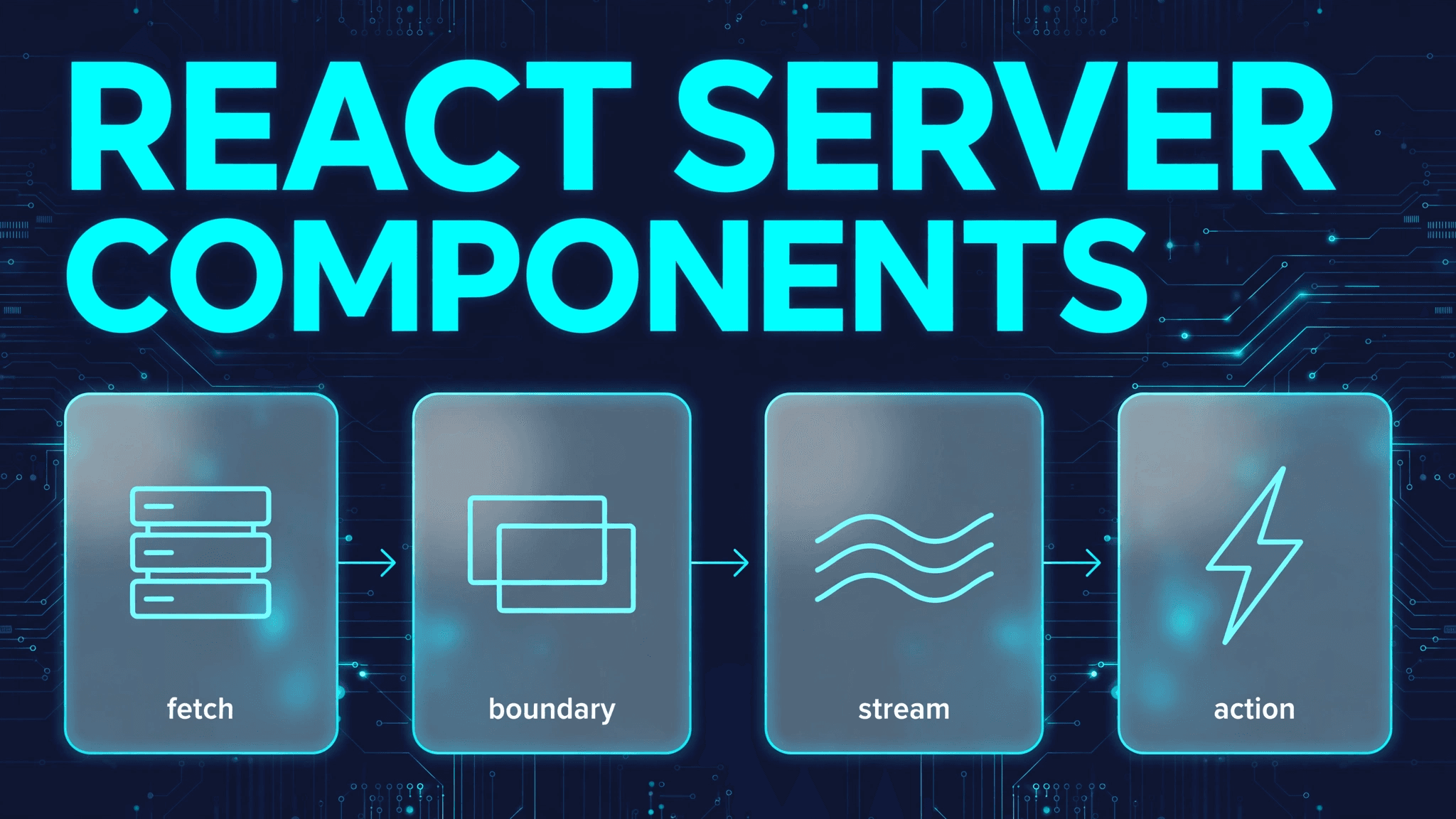
1. Introduction
If you learned React before 2023, your mental model of a component is simple: it runs in the browser. Server-side rendering was a step that happened before the browser took over — the server produced HTML, the browser hydrated it, and from then on your components lived on the client. React Server Components break that model, and that is the whole point.
In the Next.js App Router, every component is a Server Component by default. It runs on the server — at build time or per request — and it never ships its JavaScript to the browser. You opt into client-side behaviour explicitly, by adding 'use client' to a file. That one inversion changes how you fetch data, how you structure pages, and how much JavaScript your users download.
This guide explains React Server Components as they actually work in late 2026: what a Server Component is and is not, how it differs from a Client Component and from plain SSR, where to draw the 'use client' boundary, how data fetching, streaming, and Server Actions fit together, and the mistakes that catch almost everyone in the first month. It assumes you know React and have built something with Next.js before. It does not assume you have shipped anything with the App Router.
2. What React Server Components Actually Are
A React Server Component is a component that renders on the server and never runs in the browser. It can be async. It can read from a database, call an internal API, or read an environment variable directly during render. What it sends to the browser is not JavaScript — it is a serialized description of what to render, called the RSC payload (React's Flight format). The browser's React runtime reconciles that payload into the DOM.
That is the first thing to get straight: a Server Component is not a component that runs on the server and then in the browser. It runs on the server only. Its code is never downloaded. A database client imported inside a Server Component never reaches the client bundle, which is why you can import server-only packages there without worrying about bundle size or leaking credentials.
The second thing: Server Components are not the same as server-side rendering. SSR renders your components to HTML on the server for the first paint, but the same components still hydrate and run in the browser afterwards. With RSC, the server render is the whole story for that component — there is no client copy. And unlike SSR, Server Components can re-render on the server without a full page reload: after a Server Action runs, React can ask the server for a fresh RSC payload for part of the page and patch it in.
React Server Components became a stable part of the React 19 architecture, and the Next.js App Router — stable since version 13.4 and the default in every new project, including Next.js 16 — is built on them. Other frameworks support them too: React Router documents an RSC setup, and Vite offers official RSC support through @vitejs/plugin-rsc. This guide uses Next.js for concreteness, because it is where most developers meet RSC first.
3. Server Components vs Client Components: The Real Difference
The difference is not "server versus browser rendering" in the SSR sense. It is about where the code runs, what it can do, and what it costs the user.
A Server Component can:
async/await during render — no useEffect, no loading state in the component itself.A Server Component cannot:
useState, useReducer, useEffect, or useLayoutEffect.window, document, or localStorage.onClick, no form handlers of its own.A Client Component is the React you already know. It runs in the browser after hydration, and it can do everything above that a Server Component cannot. You mark a file as one by putting 'use client' at the very top, before any imports. Everything imported by that file — its child components, unless they are passed in as props — becomes part of the client bundle too, which is why the boundary placement matters so much.
The practical rule, and the one that saves the most bundle size, is this: start with a Server Component. Add 'use client' only when a specific component needs interactivity. Most pages are mostly static content with a few interactive islands — a like button, a search input, a tab switcher. Those islands are Client Components. The page around them stays on the server.
4. The 'use client' Boundary: Where to Draw It
The most common beginner mistake with RSC is drawing the boundary too high. A developer needs one interactive element on a page, so they put 'use client' at the top of page.tsx. Now the entire page — including the data fetching, the layout, and every static section — ships to the browser as client JavaScript. The Server Component advantage is gone in one line.
Push the boundary down to the leaves. Keep the page a Server Component, fetch the data there, and pass the result down as props to a small Client Component that handles the interaction:
// app/products/[id]/page.tsx — a Server Component by default
import { AddToCartButton } from '@/components/add-to-cart-button'; // 'use client'

export default async function ProductPage({ params }: { params: Promise<{ id: string }> }) {
  const { id } = await params;
  const product = await db.product.findUnique({ where: { id } });
  return (
    <main>
      <h1>{product.name}</h1>
      <p>{product.description}</p>
      <AddToCartButton productId={product.id} price={product.price} />
    </main>
  );
}
Two details in that snippet are worth noticing. First, the page is async and awaits the database directly — there is no API route in between, and no useEffect fetching after mount. Second, in Next.js 15 and 16, params is a Promise, not a plain object — you must await it before reading id. That is a breaking change from Next.js 14, and it is the one that breaks the most migrations.
A second rule follows from the first: only serializable props can cross the boundary from a Server Component to a Client Component. Strings, numbers, plain objects, and arrays cross fine. Functions do not — with one deliberate exception, Server Actions, covered in section 8. Class instances and Date objects lose their methods and shape in transit, so pass plain data and reconstruct on the client side if you need to.
5. Data Fetching in Server Components
Data fetching is where Server Components pay for themselves. Because the component runs on the server, it can await data during render, and the data is ready when the component renders — there is no loading spinner for the fetch itself, no waterfall of client-side requests after hydration, and no API route that exists only to shuttle data from your database to your own page.
A typical pattern fetches in parallel and lets independent queries run at the same time:
// app/dashboard/page.tsx
import { Suspense } from 'react';

async function getOrders() {
  return db.order.findMany({ take: 10, orderBy: { createdAt: 'desc' } });
}

async function getRevenue() {
  return db.order.aggregate({ _sum: { total: true } });
}

export default async function DashboardPage() {
  const [orders, revenue] = await Promise.all([getOrders(), getRevenue()]);
  return (
    <main>
      <h1>Revenue: ${revenue._sum.total ?? 0}</h1>
      {/* render orders */}
    </main>
  );
}
Two habits make this scale. First, fetch in parallel with Promise.all instead of awaiting one query after another — sequential awaits are the most common source of slow Server Component pages, and they are invisible until you measure. Second, when several components on the same page need the same data, wrap the fetch in React's cache() so the request is deduplicated within a single render instead of hitting the database once per component.
There is a third habit worth building early: fetch at the level that owns the data. A Server Component that renders a sidebar can fetch its own navigation data directly, without props drilling from the page or a context provider. Colocating the fetch with the component that renders the result is one of the quiet wins of the model — each component is responsible for its own data, and the page stays a composition of self-sufficient pieces.
6. Composition: Passing Server Components as Children
There is one composition rule that surprises everyone: a Client Component cannot import a Server Component. If a 'use client' file imports a server file, that file becomes part of the client bundle — the framework treats the import as client code. So how do you put server-rendered content inside an interactive wrapper, like a tab switcher or an accordion?
You pass the Server Component in as children (or any other prop) from a Server Component parent:
// app/blog/page.tsx — Server Component
import { Tabs } from '@/components/tabs'; // 'use client'
import { LatestPosts } from '@/components/latest-posts'; // Server Component
import { PopularPosts } from '@/components/popular-posts'; // Server Component

export default function BlogPage() {
  return (
    <Tabs
      latest={<LatestPosts />}
      popular={<PopularPosts />}
    />
  );
}
The Tabs component is a Client Component — it holds the active-tab state and switches which panel is visible. But LatestPosts and PopularPosts were rendered on the server before Tabs ever received them. They fetched their own data, they shipped no JavaScript, and the client component only decides which one to show. The pattern is sometimes called the "children slot" pattern, and it is the answer to most "how do I mix server and client" questions: the Server Component renders the content, the Client Component owns the interaction, and the boundary sits between them as a prop.
This is also how layouts stay cheap. A root layout can render server-side navigation around client-side interactive chrome — the layout itself never needs 'use client', even when it contains client islands.
7. Streaming with Suspense
A page that awaits all of its data before rendering anything has a slow time-to-first-byte for its slowest query. Streaming fixes that: React renders the shell immediately and streams each slow section in as its data resolves, wrapped in <Suspense> boundaries.
In the App Router, a loading.tsx file next to a page.tsx automatically wraps that route segment in a Suspense boundary — the loading UI shows instantly while the page's data loads. For finer control, place boundaries yourself around the slow parts:
// app/products/page.tsx
import { Suspense } from 'react';
import { ProductList } from '@/components/product-list'; // async Server Component
import { ProductListSkeleton } from '@/components/product-list-skeleton';

export default function ProductsPage() {
  return (
    <main>
      <h1>Products</h1>
      <Suspense fallback={<ProductListSkeleton />}>
        <ProductList />
      </Suspense>
    </main>
  );
}
The user sees the heading and the skeleton immediately; the product list streams in when its query finishes. The rest of the page is interactive before the slow section arrives, because hydration is not blocked on the streamed content.
The discipline here is about granularity. One Suspense boundary around the whole page gives you one loading state and no partial progress. Boundaries around each slow section give the user something real to look at while the rest loads. Put a boundary around anything that can be slow — a database query, a third-party API call, a section that depends on the user's session — and keep the fast shell outside it.
8. Server Actions: Mutations Without an API Route
Server Components handle reads. Server Actions — also called Server Functions — handle writes. A Server Action is an async function marked with the 'use server' directive. You define it in a server-only file, import it into a Client Component, and call it like a normal function. Next.js generates the endpoint and wires the call securely.
// app/actions/likes.ts
'use server';

import { revalidatePath } from 'next/cache';

export async function likePost(postId: string) {
  await db.like.create({ data: { postId } });
  revalidatePath(`/blog/${postId}`);
}// components/like-button.tsx
'use client';
import { useTransition } from 'react';
import { likePost } from '@/app/actions/likes';
export default function LikeButton({ postId }: { postId: string }) {
const [isPending, startTransition] = useTransition();
return (
<button
disabled={isPending}
onClick={() => startTransition(() => likePost(postId))}
>
{isPending ? 'Liking…' : 'Like'}
</button>
);
}Three things matter here. First, the mutation runs on the server with full access to the database — no API route file, no fetch('/api/like'), no client-side request plumbing. Second, revalidatePath tells Next.js to refresh the cached page after the mutation, so the next render shows the new like count — the Server Component re-renders on the server and the client receives a fresh RSC payload. Third, because a Server Action can be passed as a form action, the form works even without JavaScript: the browser submits it as a normal form post and the server handles it. That progressive enhancement is free, and it is the reason Server Actions are the default way to handle forms in the App Router rather than a client-side onSubmit with a fetch call.
For a snappier feel, pair the action with React's useOptimistic hook in the Client Component: update the UI immediately with the expected result, and let the server confirm it. The hook is client-only, which is exactly the point — optimism is a UI concern, and it belongs on the client side of the boundary.
9. Caching and Revalidation
Server Components do not live outside Next.js caching — they live inside it, and the caching rules decide whether your fast server render is actually fast on the second visit. The full model, including the fetch default flip in Next.js 15 and 16 and the Cache Components model, is covered in depth in the companion post on Next.js data fetching and caching; the short version that matters for RSC is this:
fetch requests are not cached by default. If a Server Component fetches the same data on every request, that is a deliberate choice by the framework, not a bug — you opt into caching explicitly, per request or per component.revalidatePath or revalidateTag so the next render picks up the change; otherwise the user sees stale content and files a bug report against a working system.cookies() call in a layout, for example — makes the whole route dynamic, so keep dynamic reads as low in the tree as you can.The mistake to avoid is treating caching as something to configure once and forget. It is part of the component design: which parts of the page are static, which are dynamic, what invalidates them, and where the boundary between the two sits. Decide that when you write the component, not when a user reports stale data.
10. Common Mistakes
Almost every RSC frustration in the first month traces back to one of these:
1. Marking the whole page 'use client'. One interactive element does not make a page a Client Component. Extract the interactive piece, keep the page on the server.
2. Importing a Server Component into a Client Component. The import silently pulls it into the client bundle. Pass it as children or a prop instead.
3. Using hooks in a Server Component. useState or useEffect in a Server Component throws. If the component needs state or an effect, it is a Client Component — extract the interactive part and leave the rest on the server.
4. Passing non-serializable props across the boundary. Functions (other than Server Actions), class instances, and objects with methods do not survive the trip from server to client. Pass plain data.
5. Fetching in useEffect when a Server Component would do. If the data is needed for the first paint, fetch it in the Server Component during render. Client-side fetching after mount is for data that genuinely depends on client-side state.
6. Putting secrets in Client Components. Anything a Client Component imports ships to the browser. API keys, database URLs, and internal tokens belong in Server Components and Server Actions only — and even there, read them from environment variables, never hardcode them.
7. Forgetting to revalidate after a mutation. A Server Action that writes without revalidatePath or revalidateTag leaves the UI showing old data until the cache expires on its own. Revalidation is part of the mutation, not an afterthought.
11. When Not to Use Server Components
Server Components are the default in the App Router, but they are not the answer to every app. A heavily interactive application — a collaborative editor, a complex dashboard where most of the screen is client state, a game — will have most of its components on the client side anyway, and RSC adds a server round-trip to interactions that could have stayed local. In that case the App Router still works, but the benefit is smaller and the boundary discipline costs more than it saves.
The same applies if your app does not run on a framework with RSC support. A plain Vite single-page app with no server runtime gets nothing from Server Components; the model needs a server that can render them. Vite does offer RSC support through @vitejs/plugin-rsc, and React Router documents its own RSC setup, so the option exists outside Next.js — but it is a deliberate architecture choice there, not a default you inherit.
The honest test is the shape of your pages. If most of a page is content with a few interactive islands, Server Components are a clear win: less JavaScript, data fetched where it lives, streaming for the slow parts. If most of a page is interaction, keep it client-side and use Server Components for the shell and the data around it. The model rewards that judgement; it does not replace it.
Conclusion
React Server Components change one assumption — components run in the browser — and everything else follows. Data fetching moves into the component that renders the result. The client bundle shrinks to the interactive islands. Streaming replaces the all-or-nothing page load. Mutations go through Server Actions instead of hand-rolled API routes.
The working habits are small and concrete: default to Server Components, push 'use client' to the leaves, fetch in parallel and colocate the fetch with its component, pass server content into client wrappers as children, stream the slow sections behind Suspense boundaries, and revalidate after every mutation. Get those six right and the model stops feeling strange — it starts feeling like the obvious way to build a Next.js app.
The fastest way to learn it is to convert one real page. Take a page that fetches in useEffect today, move the fetch into the Server Component, extract the interactive pieces into small Client Components, and compare the JavaScript the browser downloads before and after. That one before-and-after number teaches the model better than any guide, including this one.
Next Recommended Reads
Yash Nandvana• Full Stack Developer
Full Stack & Shopify Developer building scalable web apps, developer tools, and AI solutions.
Learn more about YashRelated Articles
PostgreSQL + pgvector: Building Semantic Search and RAG Without a Separate Vector Database
A complete, practical tutorial for adding semantic search, hybrid search, and RAG to an existing PostgreSQL application using pgvector — covering embeddings, HNSW, metadata filtering, Reciprocal Rank Fusion, and background embedding pipelines.
React Performance Optimization: A Practical Guide to Faster Rendering
A practical guide to React performance: memo, useMemo, useCallback, state placement, list keys, virtualization, lazy loading, and context — plus when not to optimize at all.
Next.js App Router Data Fetching and Caching: A Practical Guide
A practical guide to data fetching and caching in the Next.js App Router: the flipped fetch default in Next.js 15 and 16, force-cache vs no-store vs revalidate, on-demand revalidation, parallel fetching, Suspense streaming, and the opt-in Cache Components model.