
Shopify Hydrogen and Headless Storefronts: A Practical Guide for Developers
A practical guide to Shopify Hydrogen and headless storefronts in late 2026: the 2026-10 library, when headless beats a Liquid theme, the Storefront API, cart and checkout, caching, and deploying on Oxygen.

Yash Nandvana
Full Stack Developer
1. Introduction
A Liquid theme is a storefront Shopify renders for you. A headless storefront is a storefront you render yourself, in code, while Shopify keeps doing the parts it is good at: products, inventory, checkout, orders, and customer data. Hydrogen is Shopify's official toolkit for building that second kind of storefront — and in October 2026 it changed shape in a way that makes most of the tutorials on the internet wrong.
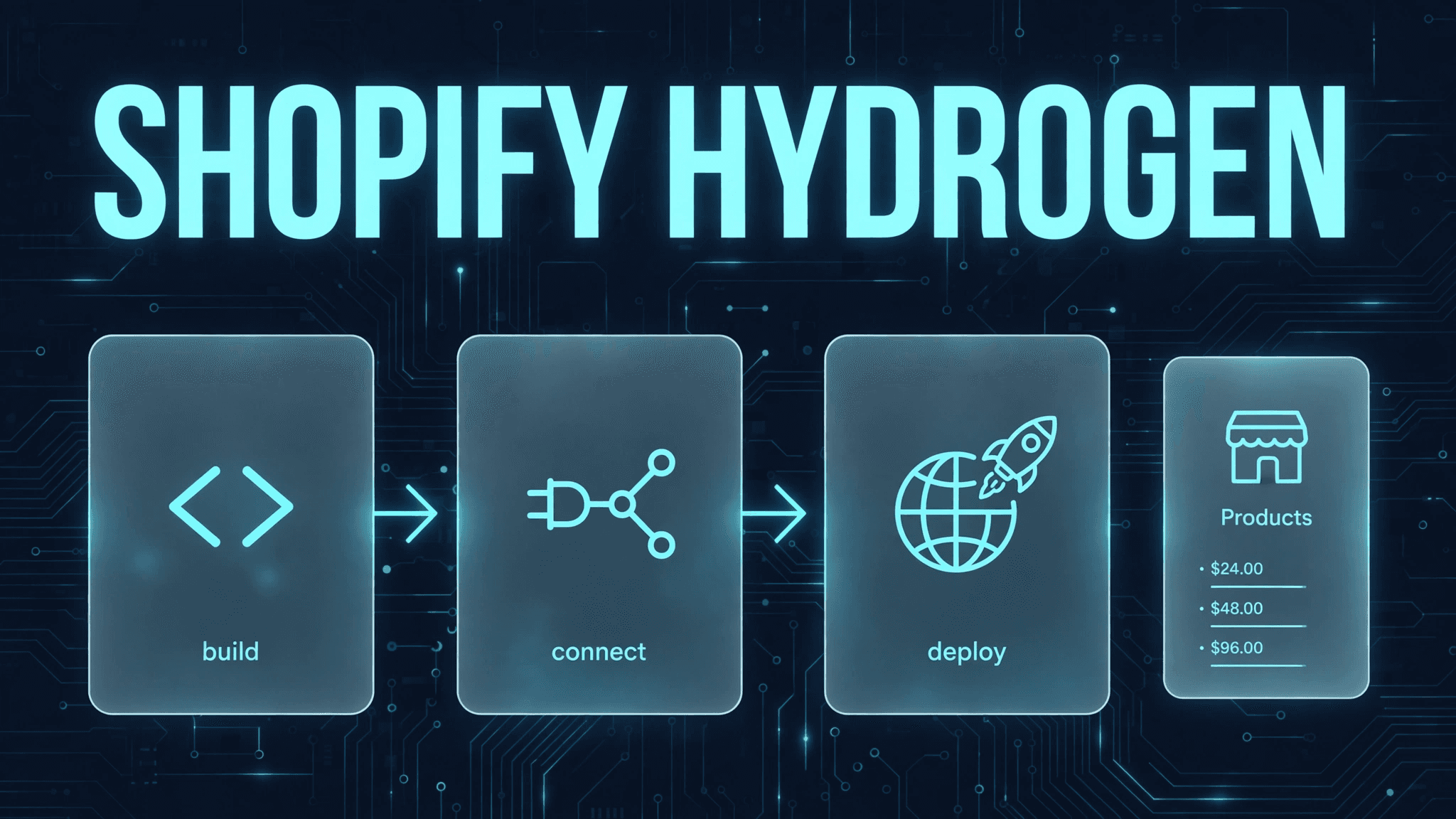
This guide explains headless on Shopify as it actually works in late 2026: what Hydrogen is now that it is a library instead of a framework, when headless is worth the cost and when a theme is the right call, how to set up your first storefront, how products, cart, and checkout flow through the Storefront API, and how to deploy it on Oxygen. It assumes you can write JavaScript or TypeScript and have built something with React before. It does not assume you have ever touched a headless build.
2. What "Headless" Actually Means on Shopify
Headless means one thing: the frontend and the backend are separate, and they talk over an API. On Shopify, the split is clean. Shopify keeps the backend — the catalog, inventory, customers, discounts, checkout, and orders. Your code owns the frontend — the pages, the layout, the interactions, the performance budget. The two sides communicate through the Storefront API, a GraphQL API that exposes products, collections, carts, and checkout.
What does not change in a headless build is the part shoppers trust most: checkout stays on Shopify. A headless storefront sends the shopper to Shopify's checkout to pay, exactly like a theme does. Hydrogen does not replace checkout, and it does not replace the admin. It replaces the theme — the Liquid templates, the sections, and the theme editor — with code you control.
That is also the first honest trade-off. A theme gives you the theme editor, app embeds, and a non-developer way to change the store. Headless gives you none of that. Every change is a code change and a deploy. If that sentence worries you, the rest of this guide will help you decide whether the trade is worth it.
3. What Hydrogen Is in 2026 (and What It Isn't Anymore)
Hydrogen has changed shape three times, and knowing which version a tutorial describes is the difference between a working scaffold and a broken one.
Until May 2025, Hydrogen was a full-stack framework built on Remix, with its own CLI, components, and project structure. In May 2025, Hydrogen 2025.5.0 moved from Remix 2 to React Router 7 — the Remix team had announced that the planned Remix v3 would ship as React Router v7. Then on October 14, 2026, Hydrogen 2026-10 became generally available as something else entirely: a JavaScript library you add to the framework you already use, instead of a framework you build on.
That is the current shape. @shopify/hydrogen is a core package with the commerce logic — a typed Storefront API client, cart handling, product forms, collections, predictive search, money formatting, analytics, and Shop Pay — plus bindings for React and Vue. It works with React Router 7, Next.js, Nuxt, Astro, SvelteKit, and other JavaScript frameworks. It no longer ships a component library: you build the pages with your own components and design system. It covers the Storefront API and the Customer Account API, not the Admin API.
Two consequences follow. First, versions 2026-04 and earlier are now what Shopify calls "legacy Hydrogen." Existing storefronts on those versions keep working — Shopify says there is nothing you have to do today, and moving to the new version is optional, with a migration guide for when you are ready. Second, if you start a headless build now, start from the 2026-10 library, not from a tutorial that scaffolds the old framework. The old commands still exist — shopify hydrogen init, for example, still creates a 2026-04 project — so check which version line your scaffold produces before you build on it.
Hydrogen uses calendar versioning (year.release.patch) instead of SemVer, and Shopify tests the 2026-10 line with React 19, Vite 8, and Node.js 22.12 or 24. The package is open source under the MIT license, and Hydrogen itself is free.
4. Hydrogen vs a Liquid Theme: When Headless Is Worth It
Headless is not an upgrade. It is a different set of trade-offs, and for many stores the theme wins.
Choose headless when the storefront itself is the product: a custom shopping experience a theme cannot express, a design system shared with the rest of a brand's site, multi-market storefronts with different content per region, or a team that already ships React every day and wants the storefront in the same stack and deployment pipeline. Performance control is a real reason too — headless lets you own the JavaScript budget, the caching strategy, and the third-party scripts, instead of inheriting whatever the theme and its apps load.
Stay on a Liquid theme when the catalog is small, when the store changes often through the theme editor, when the team that runs the store is not a development team, or when the budget does not cover a developer owning the storefront indefinitely. A theme plus good sections — the approach in the custom-section guide — ships faster, costs less to maintain, and lets merchants change the store without a deploy. Headless also means rebuilding things a theme gives you for free: search, filtering, metafield rendering, and every app embed you rely on.
A useful rule: if you cannot name the specific thing a theme cannot do for this store, you do not need headless yet. The rest of this guide is for the stores where you can name it.
5. The Four Pieces: Hydrogen, Storefront API, Customer Account API, Oxygen
A headless Shopify build has four pieces, and confusing them is the most common source of bad decisions.
Hydrogen is the toolkit. It is the package you install, the Storefront API client, the cart logic, and the commerce routes a store needs. It is not the host, and it is not the data.
The Storefront API is the data layer. It is the GraphQL API your storefront reads products, collections, and carts from, and where it creates checkouts. Both Hydrogen and any other headless frontend — Next.js, Nuxt, a custom stack — read from the same API. Hydrogen is the React-flavoured wrapper around it, with opinionated primitives for cart logic, customer accounts, analytics, and checkout handoff.
The Customer Account API is the login layer. It is the OAuth-based API for customer sign-in and account features — order history, addresses, and the account pages. It replaces the legacy customer accounts flow in a headless build.
Oxygen is the hosting. It is Shopify's edge platform for Hydrogen storefronts, running your code as a Web Worker on a runtime based on Cloudflare's open-source workerd project. Oxygen is included at no extra charge with a paid Shopify plan, and since August 2026 development stores and trial plan stores can deploy to it as well. It is not a requirement: Hydrogen runs on any Node or Cloudflare-compatible runtime, including Vercel and Cloudflare Workers. Oxygen is the only runtime with deep, first-party Shopify integration, which is why it is the default choice for a React Router starter.
One more piece arrived in the Winter '26 Edition on December 10, 2025: Storefront MCP support. Hydrogen storefronts on Oxygen can expose live product, cart, customer, and order data to custom AI agents through the Model Context Protocol. It is new, and for most stores it is not the reason to go headless — but it is the reason a headless storefront is the one that can answer an AI agent's questions about live inventory.
6. Setting Up Your First Hydrogen Storefront
There are two honest starting points in late 2026, and which one you pick depends on whether you have a project already.
If you have an existing project — a Next.js site, a React Router app, anything in JavaScript — add Hydrogen to it. In the project root, run:
npx @shopify/hydrogen@latest setupThe setup command installs @shopify/hydrogen with the package manager it finds there and copies Hydrogen's agent skills — twenty written guides that teach coding agents how to use the library — into .claude/skills and .agents/skills, so Claude Code, Codex, Cursor, and OpenCode all find them. After an upgrade, npx @shopify/hydrogen skills sync refreshes them. Follow the setup skill yourself, or ask your coding agent to set up the store; the suggested prompt, "Set up my store with Shopify," produces home, collection, search, product, cart, and account pages, plus analytics and a smoke test.
If you want a fresh Next.js storefront, Shopify points to Vercel Shop, the open-source Next.js template Vercel maintains on Hydrogen, which became generally available on October 16, 2026:
pnpm create next-app@latest my-store --example https://github.com/vercel/shopIf you want the React Router starter, scaffold with the Shopify CLI:
npm create @shopify/hydrogen@latestThe CLI asks about language and styling — TypeScript or JavaScript, Tailwind, CSS Modules, vanilla-extract, or PostCSS — and the --quickstart flag skips the prompts with mock.shop sample data, which is useful when you want to see the storefront running before you connect a real store. Check which version line the scaffold creates before you build on it, because the CLI's older init path still produces the 2026-04 framework line.
Whichever start you pick, connecting a real store is the same. Create a Hydrogen storefront in the store admin under Sales channels, then Hydrogen, then Create storefront — Shopify generates the Storefront API and Customer Account API variables for you. Link the local project to it:
npx shopify hydrogen link
npx shopify hydrogen env pull
Then run the dev server. The React Router starter runs on port 3000:
npm run devYou do not need a real store to start: the quickstart uses mock.shop sample data, so the first hour of learning costs nothing but time.
7. Your First Product Query with the Storefront API
Everything in a headless storefront starts as a Storefront API query. Products, collections, and search are all GraphQL, and Hydrogen's client is typed, so a wrong field fails at build time instead of at runtime. A first query — the ten newest products with their prices — looks like this:
query Products {
  products(first: 10) {
    edges {
      node {
        id
        title
        handle
        priceRange {
          minVariantPrice {
            amount
            currencyCode
          }
        }
      }
    }
  }
}
Run it through Hydrogen's Storefront API client in your loader or route handler, and render the result with your own components. That is the whole pattern, and every page on the storefront is a variation of it: a query for the data, a component for the markup, and Hydrogen's primitives for the commerce parts — money formatting, variant selection, and the cart.
Three habits matter from the first query. First, ask only for the fields the page renders — the Storefront API bills by query cost, and over-fetching is the quiet way headless storefronts get slow. Second, keep product data fetching on the server, in loaders, not in client components — the storefront token and the query cost stay out of the browser. Third, treat the product handle as the stable identifier in URLs, not the numeric id; handles survive re-imports and migrations, ids do not.
8. Cart and Checkout: Where the Money Changes Hands
The cart is the one piece of state a headless storefront must get exactly right, because it is the only state that becomes money. Hydrogen's cart logic wraps the Storefront API's cart mutations, so you work with a cart object and let the library handle the GraphQL.
Creating a cart with one line item is a single mutation:
mutation CartCreate($lines: [CartLineInput!]!) {
  cartCreate(input: {lines: $lines}) {
    cart {
      id
      checkoutUrl
    }
  }
}
The response hands you two things: a cart id you persist — in a cookie, so the cart survives a page refresh — and a checkoutUrl. That URL is the handoff point. When the shopper is ready to pay, you send them to checkoutUrl, and Shopify's checkout takes over: payment, shipping, taxes, and order creation, exactly as it does for a theme. Hydrogen also covers Shop Pay, so the accelerated checkout button shoppers expect is available without extra work.
The rules that keep this reliable are boring and non-negotiable. Never cache a cart response — cart data is per-shopper and must be fetched fresh. Make cart updates idempotent where the API allows it, so a double-clicked "add to cart" does not create a double line. And never invent prices on the frontend: the price the shopper sees must come from the Storefront API response, not from a value your code computed. If those three rules hold, the cart is the most boring part of the build, which is exactly what you want from the part that takes money.
9. Caching and Performance: Where Headless Wins or Loses
Headless is not fast by default. It is fast when the data fetching and caching are right, and slow in exactly the ways a theme hides from you. Speed in a Hydrogen storefront comes from three decisions.
First, cache Storefront API responses at the edge and set the cache lifetime by how often the data changes. Product and collection data changes rarely — cache it for minutes, not seconds. Prices and inventory change more often, so cache them shorter. Cart and checkout responses are never cached. Getting this wrong in either direction is visible: too short and every page load waits on the API; too long and shoppers see stale prices.
Second, stream the page. Render the shell — header, navigation, layout — immediately, and stream the product data in as it resolves, with loading states where the data will land. The shopper sees a page in tens of milliseconds instead of waiting for the slowest query. This is the same shape as the Next.js App Router streaming pattern: the framework renders what it has and fills in the rest.
Third, keep client JavaScript small. A headless storefront's most common performance failure is shipping a framework, a design system, analytics, a chat widget, and three marketing scripts to a shopper who came to buy a hoodie. Measure the JavaScript that reaches the browser, defer everything that is not needed for the first paint, and measure again on real visitors — not on your development machine, where everything is instant.
None of this is unique to Hydrogen, and that is the point. Headless gives you control over performance; it does not give you performance. If you do not want to own the caching strategy and the JavaScript budget, a well-built theme — with the speed work from the store-speed guide — will beat a careless headless build every time.
10. Customer Accounts and Search
Two features separate a demo storefront from a real one: customers can sign in, and shoppers can find things.
Customer accounts run through the Customer Account API, which is OAuth-based. The flow is: the shopper signs in through Shopify's hosted account pages, your storefront receives a customer access token, and the token authorises account queries — order history, addresses, and profile data. You do not store passwords, and you do not build a login form that posts credentials to your own server. The Customer Account API variables are generated alongside the Storefront API variables when you create the Hydrogen storefront in the admin.
Search in a headless storefront is predictive search through the Storefront API: as the shopper types, the storefront queries products and collections and renders suggestions. It is fast because the queries are small and cached, and it is the feature shoppers notice most when it is missing. What it is not, out of the box, is the full-text, typo-tolerant search a large catalog needs. If search is a core part of the store — thousands of products, synonyms, filters — budget for a search service alongside Hydrogen, and treat the built-in predictive search as the starting point, not the destination.
11. Deploying to Oxygen
Deploying a Hydrogen storefront to Oxygen is the shortest part of the build, which is the point of the platform. From the terminal:
npx shopify hydrogen deployOr connect the GitHub repository in the Oxygen dashboard and deploy on every push, with previews for pull requests and rollbacks when a deploy goes wrong. When you create the storefront in the admin, Shopify adds the Storefront API and Customer Account API variables for you, so the deployed storefront already has the credentials it needs.
Two deployment facts are easy to get wrong. First, Oxygen is included at no extra charge with a paid Shopify plan — Hydrogen is free, and the hosting is free, which means the cost of headless is the build and the maintenance, not the platform. Second, since August 2026, development stores and trial plan stores can deploy to Oxygen as well, so the "deploy it and see" loop works before the store is on a paid plan. Earlier guidance that Oxygen excluded development stores is out of date.
Before the first production deploy, verify three things: the storefront builds from a clean checkout, not just from your machine; the environment variables are set in Oxygen, not just in your local .env; and the checkout handoff works end to end on the deployed URL with a real product. The last one is the check that catches the most real failures, and it takes two minutes.
12. What Headless Actually Costs
The honest cost of headless is not the software. Hydrogen is free, Oxygen is included with a paid plan, and the Storefront API has no separate bill. The cost is everything around it.
A headless build is a 2–3 month investment for a full storefront, not a weekend project, and it needs a developer — or a team — who owns the storefront afterwards. Every theme feature you took for granted becomes a line item: search, filtering, metafields, app integrations, the theme editor's non-developer changes. Third-party services add up too: a CMS if the marketing team needs one, a search service if the catalog is large, monitoring and error tracking for a storefront you now operate.
Set against that, the return is real for the right store: a storefront that looks and behaves like nothing else, a shared design system and deployment pipeline with the rest of the brand, and performance you control instead of inherit. The stores that regret headless are the ones that bought it for the idea of it. The stores that are glad they did it are the ones that could name the specific thing a theme could not do — and then built exactly that.
Conclusion
Hydrogen in late 2026 is a simpler idea than the tutorials make it sound. It is a library that adds Shopify commerce — products, cart, checkout handoff, customer accounts — to the JavaScript framework you already use, and Oxygen is the free edge hosting that deploys it. The framework-era tutorials still describe a real product, but it is the legacy line: if you start now, start from the 2026-10 library, check which version line your scaffold creates, and build on that.
The decision that matters is not Hydrogen versus something else. It is headless versus a theme, and it is a business decision before it is a technical one. If the store needs a custom experience a theme cannot express and a team that can own the code afterwards, headless is the right build, and Hydrogen is the shortest path to it. If it does not, a good theme is the better store — faster to ship, cheaper to run, and changeable without a deploy.
The fastest way to learn which side your store is on is to build the loop once: scaffold the starter with mock data, connect a real store, render one collection, add one product to the cart, and check out. After that loop, you know what headless costs you and what it buys you — and the rest of the build is repeating a pattern you have already proven works.
Next Recommended Reads
Yash Nandvana• Full Stack Developer
Full Stack & Shopify Developer building scalable web apps, developer tools, and AI solutions.
Learn more about YashRelated Articles
Shopify Webhooks: A Complete Guide for Developers
A comprehensive, production-tested guide to Shopify webhooks: HMAC signature verification, raw body handling, idempotency with Redis, queue architecture, and local testing.
Shopify GraphQL Admin API: A Practical Guide for Developers
A comprehensive, production-oriented guide to Shopify's GraphQL Admin API: queries, mutations, pagination, rate limit cost calculation, userErrors checking, and bulk operations.
How to Build a Custom Shopify Section with Liquid: A Step-by-Step Guide
A practical, step-by-step guide to building a merchant-editable custom Shopify section with Liquid: schema settings, repeatable blocks, presets, scoped CSS, and the mistakes that break sections.